 Pentire
Your photos, your puzzles
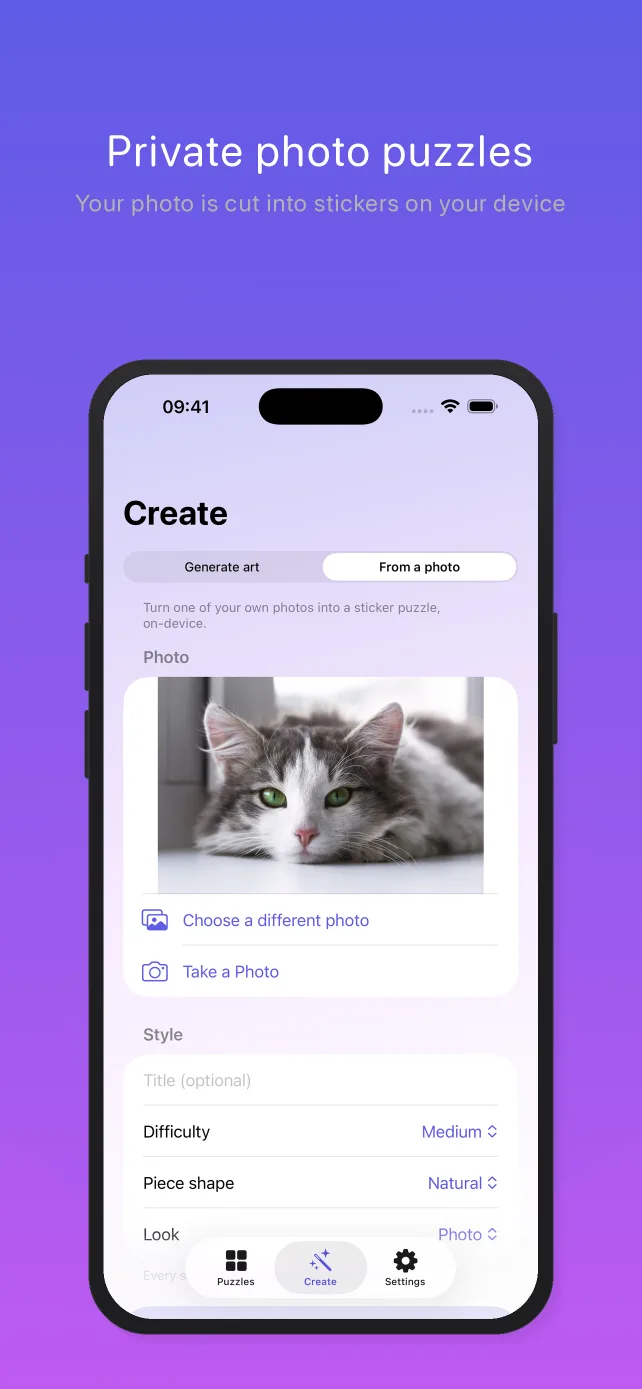
Import any photo and Pentire cuts it into numbered sticker pieces automatically. Pets, portraits, travel shots, kids' drawings — anything becomes a puzzle. How photo puzzles work →
100% on-device — your photos are never uploaded
Pentire is paint by stickers for iPhone: pick a photo — your pet, your kids, a favorite view — and it becomes numbered outline slots and a tray of stickers you peel, rotate, and place. Your iPhone does the cutting itself. No upload, no server, no analytics, no account — so the photo of your family stays with your family. Calm, satisfying, and quietly addictive.
Download on the App Store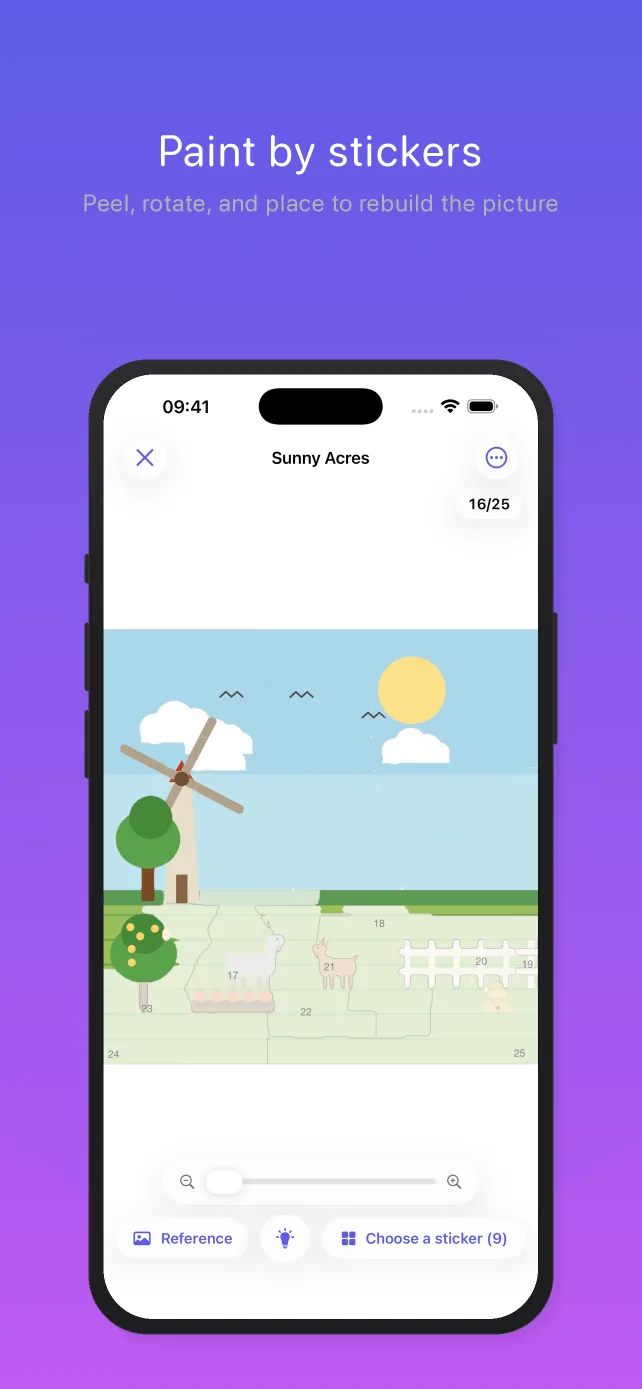
Pentire takes the relaxing rhythm of paint by number — you may know the hobby as paint by stickers or sticker by number — and turns it into something tactile: peel a sticker, line it up, press it down.
Import any photo and Pentire cuts it into numbered sticker pieces automatically. Pets, portraits, travel shots, kids' drawings — anything becomes a puzzle. How photo puzzles work →
The AI that slices your photo into pieces runs entirely on your iPhone. Nothing is uploaded, no account is required, and there are no ads, no analytics and no tracking of any kind. What that means, in detail →
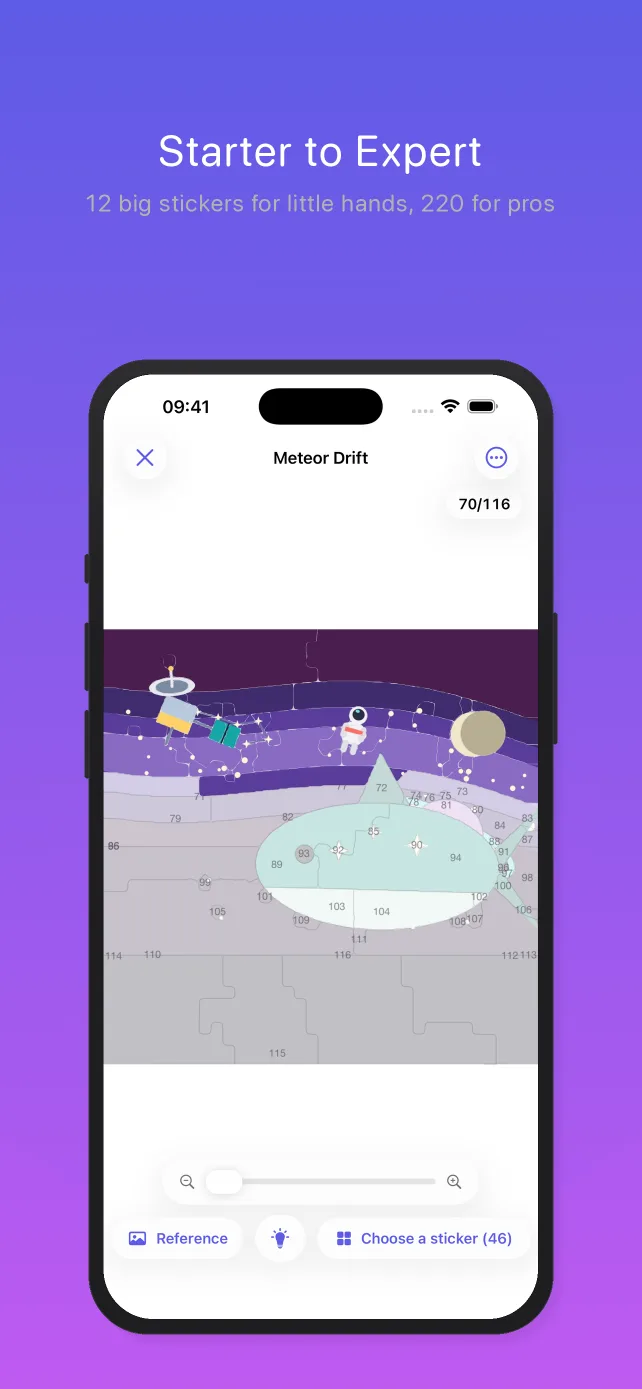
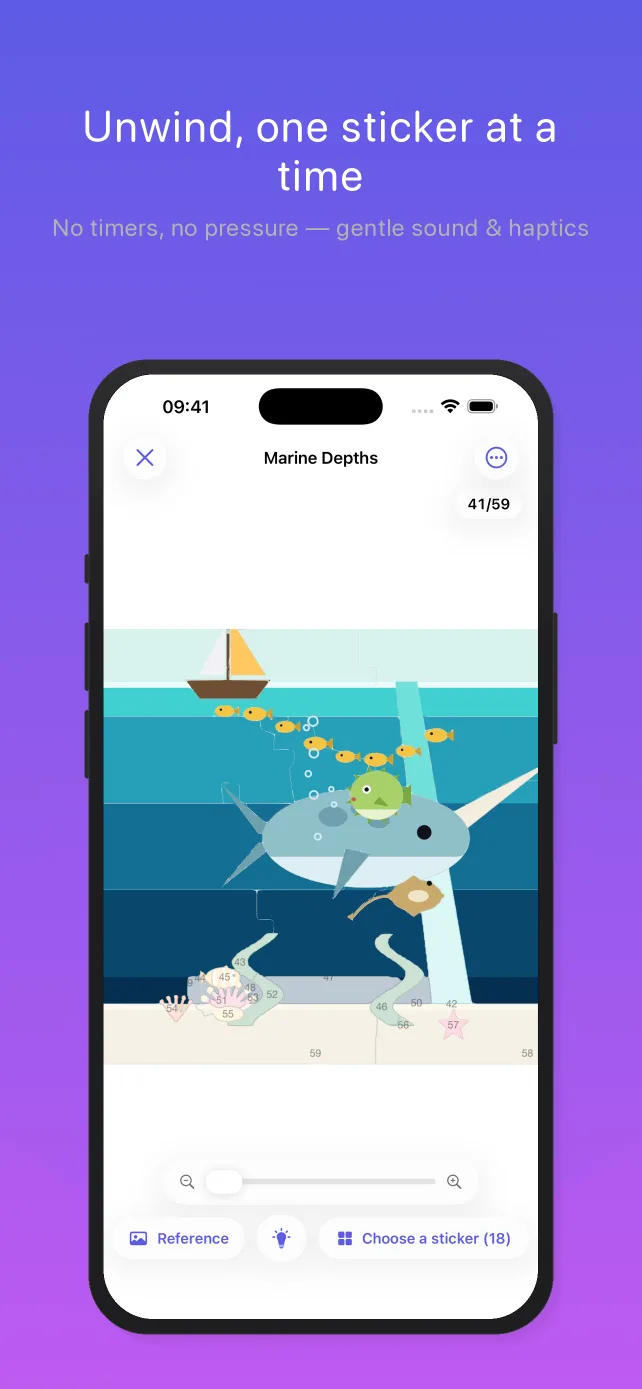
Pick a sticker from the tray, rotate it with a twist of two fingers, and drop it into its numbered slot. A gentle haptic tap makes every correct placement feel satisfying.
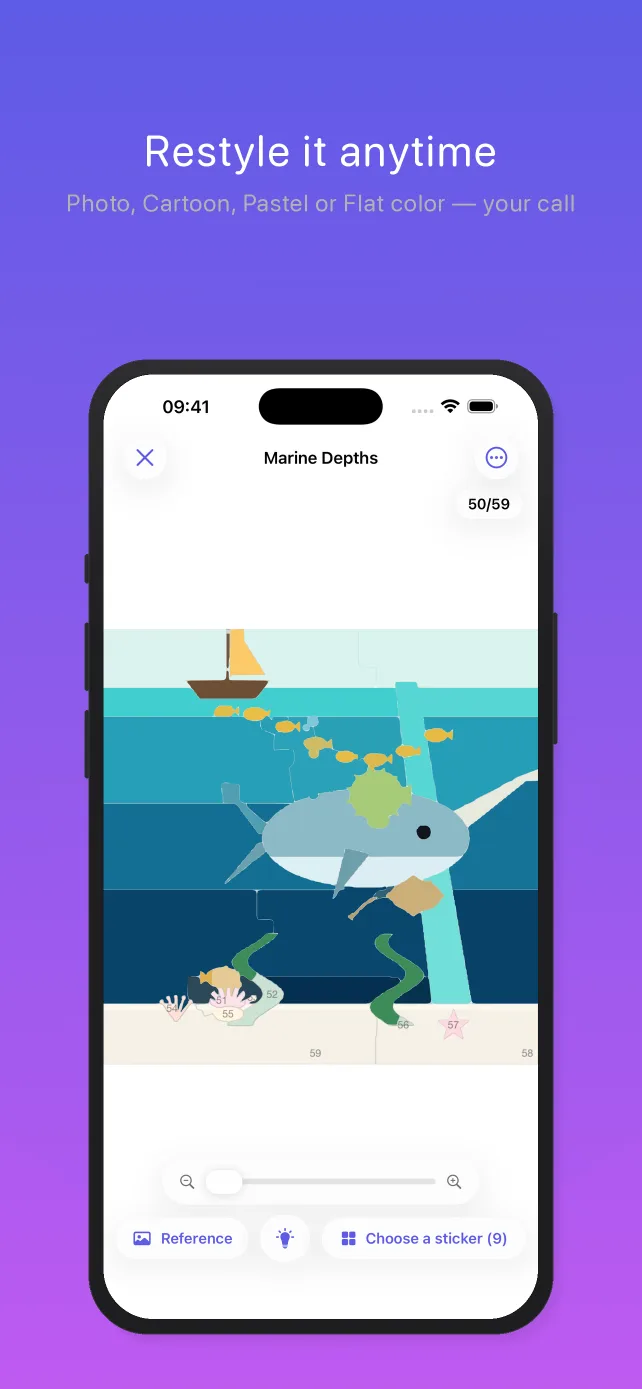
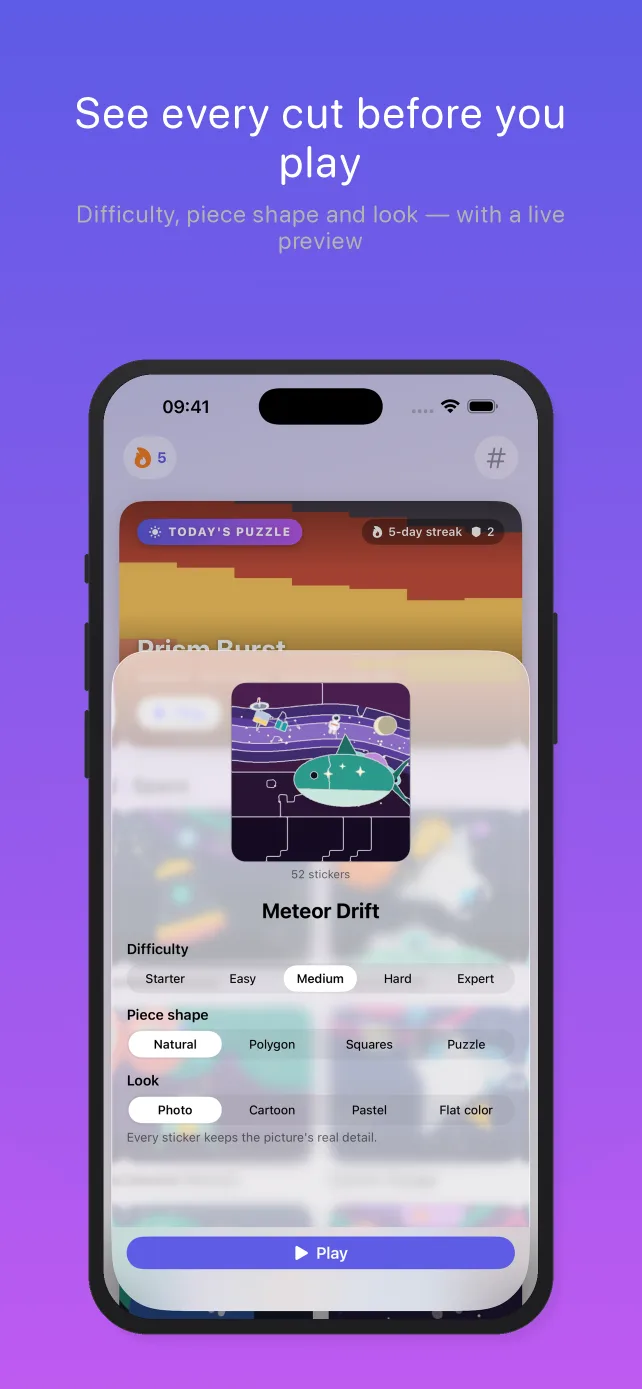
Render any picture as a photo, a cartoon, soft pastel, or flat paint-by-number color. Change the look — or the difficulty, or the piece shape — whenever you reopen a puzzle, and it re-cuts on the spot. See the looks →
Five difficulty levels span the whole family — 12 big stickers for little hands, up to 220-piece expert cuts for a deep, meditative challenge. Pick natural shapes, polygons, simple squares, or classic jigsaw pieces for any puzzle.
Finish any puzzle each day to grow a gentle streak — Today's Puzzle brings a fresh featured pick daily. You start with two Shields, earn one for each finished day, and a Shield quietly covers a missed day. No guilt, no leaderboards, no coins. How the daily streak works →
No timers, no lives, no pressure. Pentire is built to be calm and ASMR-ish — somewhere to slow down for five minutes or lose an hour. Why it's relaxing →
From photo to finished sticker puzzle in three steps.
Choose a photo from your library, snap a new one, or pick from Pentire's built-in collection. Then set the look, the piece shape, and how detailed you want it — none of it is locked in, so you can change any of it later.
On-device AI traces the image into numbered outline slots and generates a matching tray of stickers — privately, in seconds, with nothing uploaded.
Drag each sticker from the tray, rotate it into place, and watch the picture come back to life — one calm, satisfying piece at a time.
Most apps that turn a photo into something else upload it to a server first. Pentire doesn't — the cutting happens on your device. And since that's the whole point, we didn't put a tracker in the rest of the app either.
Your photo is read, analyzed, and cut into stickers by on-device processing on your own iPhone or iPad. It's never sent to us or to anyone else — there's no server to send it to. Pick "Selected Photos" in iOS and Pentire only ever sees the one picture you chose.
There's no analytics SDK, no crash-reporting SDK, and no advertising or attribution SDK in the app. We can't see which puzzles you play, which features you use, or how long you play. Pentire never asks for your advertising identifier, so you'll never get a tracking prompt from it.
No banners, no interstitials, no rewarded video, no sponsored puzzles. No sign-up, no email, no profile — you download it and start playing. One optional upgrade funds the app, and you never have to buy it.
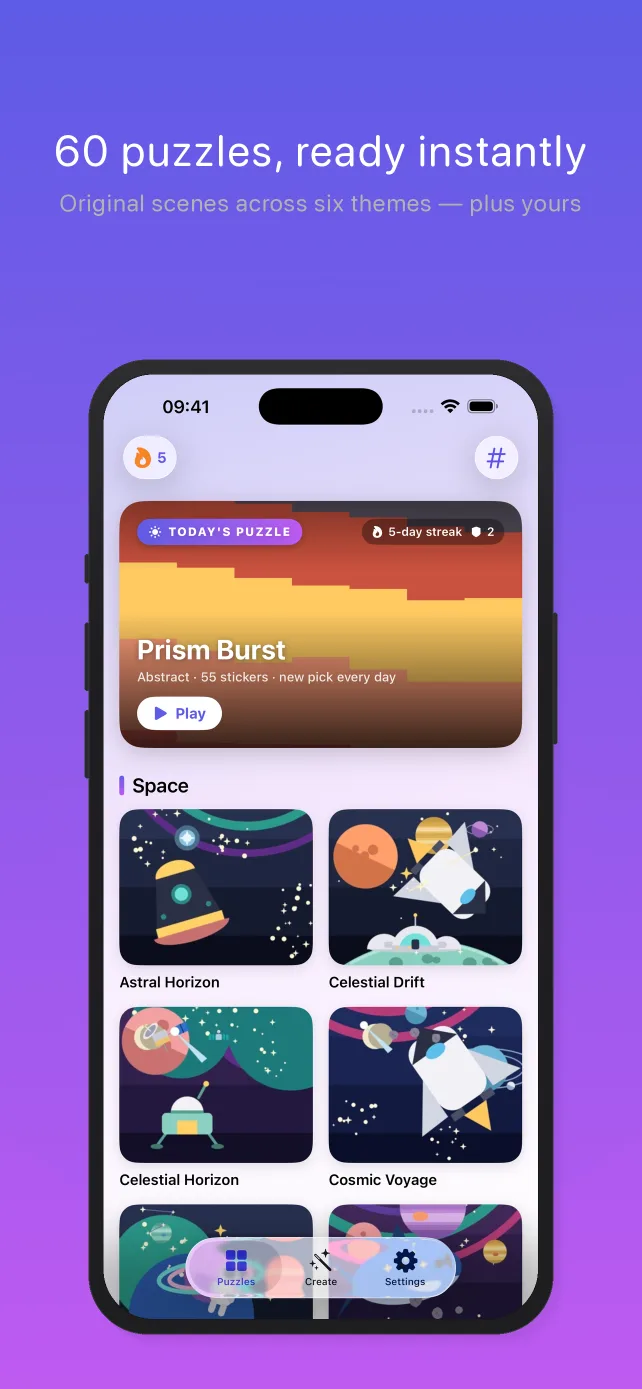
Because everything is computed locally, the whole app works with no signal: import a photo, generate brand-new art, play any of the 60 built-in puzzles. Your puzzles, progress and settings live on your device, not in a cloud account.
Here's the complete list of what Pentire sends over the network today: one anonymous download of a small settings file — the same file everyone gets, with no identifier attached — and, only if you buy the optional upgrade, Apple's purchase processing plus a receipt check so you can restore it. That's it. Read the privacy policy →
Each look reshapes the same picture into a different puzzle — and a different mood. Pick one when you create a puzzle, or switch it any time you reopen one.

Every sticker keeps the picture's real detail — the most faithful rebuild.

Bolder, posterized colors — fewer shades, a playful illustrated feel.

The picture washed out into soft, chalky tones — gentle and warm.

One solid tone per sticker, paint-by-number style. Striking on generated art and on detailed cuts — with only a handful of big pieces, a photo averages down to blocks of color, so Pentire says so before you play.
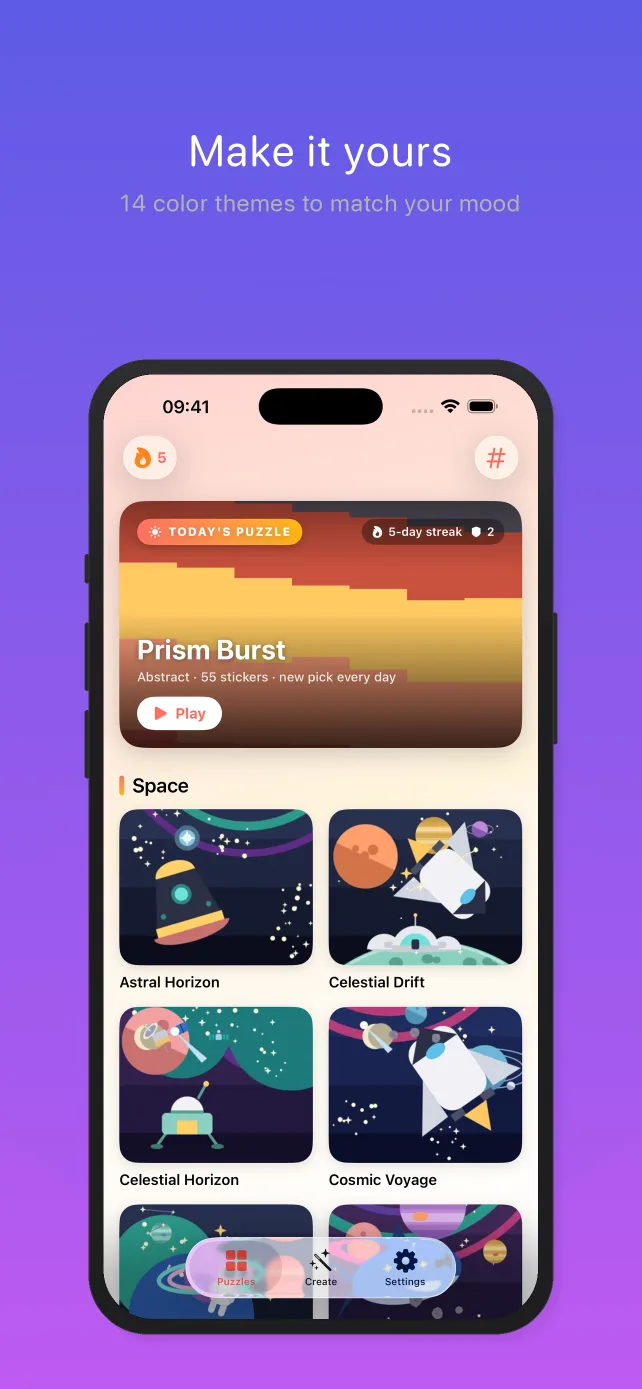
Real screens from the app — photo import, the library, the cut options, and a board mid-solve.
Calm, satisfying, ASMR-style puzzling — with your photos kept entirely on your device.
A few of the most common questions — see the full FAQ & support page for more.
Ready to turn your favorite photo into a puzzle?
Get Pentire Free